
Data trapped in separate tools
Teams cannot easily combine product, customer, supplier, order and performance data.
SERVICE
We help FMCG businesses connect the tools, data and workflows that teams rely on every day.
Useful for:
 Operations
 Supply Chain
 Finance
 Quality & Compliance
 IT & Systems
 Customer Service
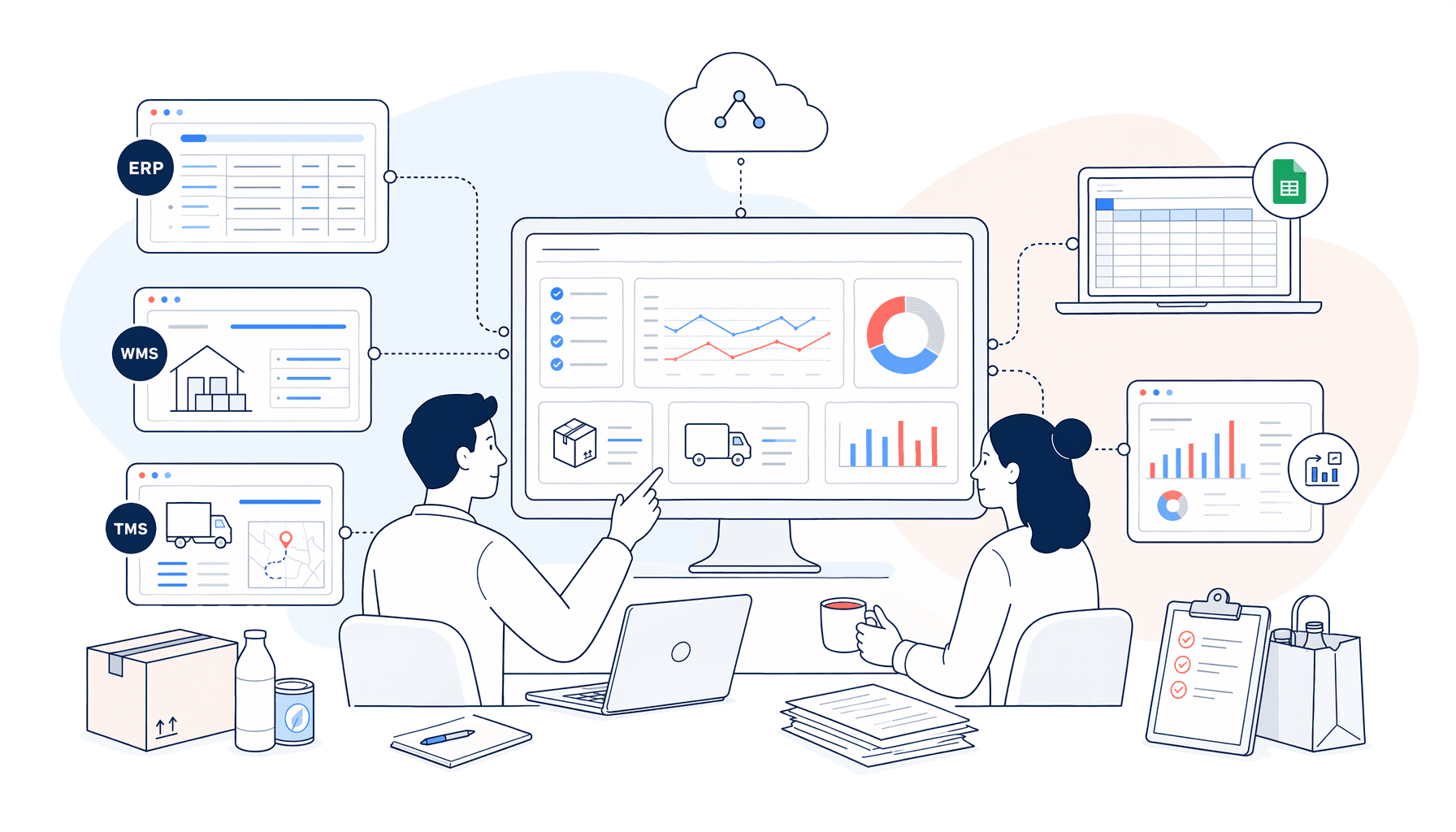
System integration is the work of making tools share information in the right way. It can involve APIs, databases, files, middleware, automation platforms and reporting pipelines.
The practical goal is simple: reduce manual movement of information, improve reliability and help teams work from the same operational picture.

Teams cannot easily combine product, customer, supplier, order and performance data.

Business-critical flows depend on people moving files between systems.

Workflows cannot scale because the systems behind them are not connected cleanly.

It is hard to know which system should hold which information or trigger which action.

Connect systems that already expose useful API access.
Systems

Move operational data into cleaner reporting and automation flows.
Reporting

Improve recurring import, export and validation processes.
Operations

Connect product records, attributes and update workflows.
Product Data

Use system events to start tasks, alerts and approvals.
Workflow

Map current flows and identify the most useful connection points.
Readiness

We map the users, systems, data, decisions and constraints around the work.

We identify where change will create the clearest operational and commercial value.
We design, configure and test a focused solution around real business scenarios.

We support adoption, measure what is working and improve the solution over time.
Useful AI and automation needs clear ownership, data boundaries and practical controls. We build those into the work from the start.

A team exports CSV files, edits them and uploads them into another system every week.

A controlled integration validates the data, transfers the right fields and flags exceptions.

Not by default. We usually start by improving how existing systems, files and workflows connect.
Sometimes. API access is ideal, but file-based flows, database access and controlled exports can also be useful starting points.
We map current work first, start with focused improvements and test integrations before relying on them in daily operations.
Yes. Clean system access can allow agents and automations to use approved data sources with clearer boundaries.
Tell us where information gets stuck. We will help you find the right integration path without overcomplicating the stack.