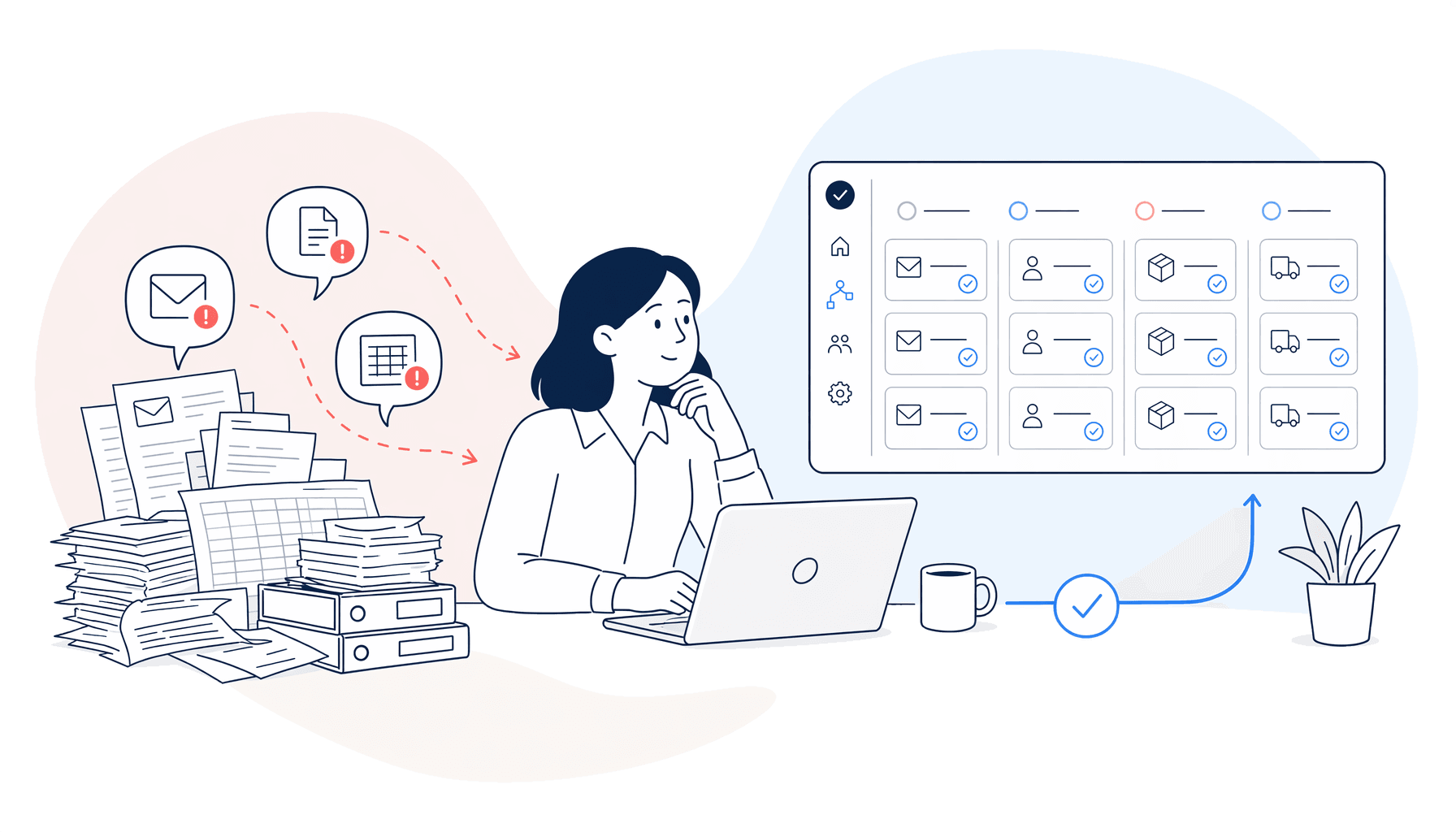
Manual re-keying
Teams copy the same details between emails, spreadsheets, systems and reports.
SERVICE
We help FMCG teams reduce repetitive admin, remove manual handoffs and automate processes that slow people down.
Useful for:
 Operations
 Supply Chain
 Finance
 Quality & Compliance
 IT & Systems
 Customer Service
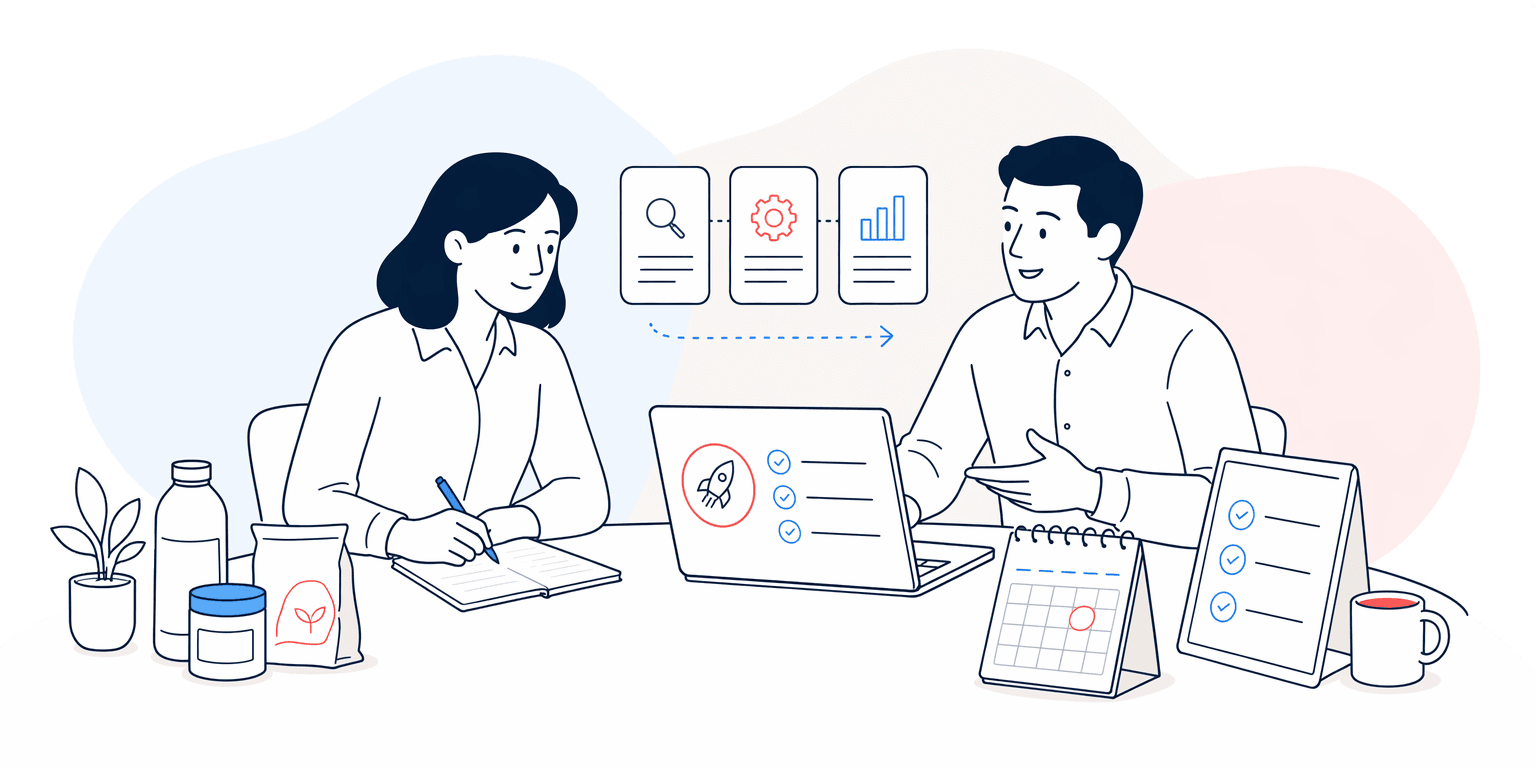
Workflow automation turns repeated steps into reliable processes. It can move information between tools, create tasks, route approvals, prepare documents, send updates and reduce copy-paste work.
For FMCG businesses, the best automation opportunities are usually found in recurring admin, reporting, order handling, supplier updates, approvals and the handoffs between teams.

Teams copy the same details between emails, spreadsheets, systems and reports.

Work moves between people without clear status, next steps or accountability.

Regular packs take too long because data collection and formatting are manual.

Small mistakes appear when busy teams repeat the same low-value tasks under pressure.

Collect updates, flag missing responses and route exceptions.
Supply Chain
Prepare recurring packs, summaries and data checks for review.
Finance

Classify requests, find context and move work to the right queue.
Customer Service

Route decisions, reminders and status updates across teams.
Operations

Extract information from forms, PDFs and emails for validation.
Admin

Keep teams aligned when work spans several tools.
All teams

We map the users, systems, data, decisions and constraints around the work.

We identify where change will create the clearest operational and commercial value.
We design, configure and test a focused solution around real business scenarios.

We support adoption, measure what is working and improve the solution over time.
Useful AI and automation needs clear ownership, data boundaries and practical controls. We build those into the work from the start.

A team exports data, cleans spreadsheets, updates charts and writes commentary by hand.

The workflow collects data, checks key values, prepares the pack and flags what needs review.

Usually not. Many automations can work around the tools you already use, then highlight where better integration would help.
Yes. Approval points, checks and review steps can be built into the workflow.
We look for work that is frequent, rule-based, measurable and painful enough that improvement will matter.
Yes, where it adds value. AI can help with classification, extraction, summaries and drafting, but it should be used with clear controls.
Tell us which process is slowing your team down. We will help you work out where automation can create value.